Streaming Show Episodes
Follow real-world cyber stories, reactions to news, and behind-the-scenes moments from the community show.
Watch
Catch streaming show episodes, quick explainers, and featured clips that show everyday cyber wins, close calls, and simple ways to stay safer online.
Live drops
Twice-monthly livestreams
Join the live chat for stories, demos, and links to the tools we mention in each stream.
Next stream
Get the link first with a quick subscribe.
Follow real-world cyber stories, reactions to news, and behind-the-scenes moments from the community show.
Jump into live Q&A, watch active demonstrations, and grab the links shared during each stream.
Quick hits for busy days. Short videos that spotlight one tip, tool, or scam to watch for.
Community spotlights and practical cyber moments that feel relatable, supportive, and empowering.
Learn Cyber Safety
Each episode breaks down a real situation, a common scam, or a simple habit that keeps you safer online. Watch, share, and use the takeaways right away.
Quick promise
Friendly, practical, and community-first. We focus on what helps in daily life, not technical talk.
Think of it like locking your front door. We explain what information matters and the simple habits that protect it.
We show how to spot safe websites, avoid risky downloads, and adjust privacy settings without the tech overwhelm.
We share real examples of phishing and fake messages so you can recognize the warning signs before you click.
Simple, memorable ways to make strong passwords. We also cover when a password manager can make life easier.
Quick reminders for updates, screen locks, and backups so your phone or laptop stays ready and recoverable.
Cyber news can feel intense. We keep it clear, focus on trusted sources, and share steps you can take today.
ASL Cyber Terms
Each term is explained in clear, ASL-friendly language so learners, families, and small businesses can feel confident navigating online safety concepts.
A trick where someone pretends to be a trusted person or company to steal your login, money, or personal info.
Harmful software that sneaks onto your device to spy, damage files, or take control without permission.
A secure tool that remembers your passwords so you only need to remember one strong master password.
Extra login protection that asks for a second proof, like a code or fingerprint, before letting you in.
A dishonest message or offer meant to pressure you into sending money or sharing private information.
Keeping your personal information safe and choosing who can see or use it.
When private data is exposed because a system was hacked or security failed.
A way to lock information so only people with the right key can read it.
Community Support
Friendly, plain-language tips to help you feel steady online. Use these quick guides to spot scams, protect your accounts, and know what to do next.
Stop and take a breath. Capture screenshots of the message and sender.
Update passwords, enable MFA, and sign out of other sessions.
Let the platform know and tell your community, school, or workplace.
Guests
CyberASL loves teaming up with creators, hosts, schools, local groups, and community leaders who want clear, ASL-friendly cyber tips shared in a real, approachable way. Whether it’s a guest appearance or a full conversation, we keep it practical, friendly, and easy to follow.
Podcasts, interviews, and guest segments
Bring CyberASL on air for friendly, real-world cyber talk that fits your audience.
Livestream collabs and creator crossovers
Co-host a live Q&A, react to scams, or chat through everyday online safety.
Community events and conversations
Join meetups, panels, or awareness events with a focus on accessible cyber info.
Typical formats
Podcast chats • Livestream Q&A • Guest appearances • Community panels • Awareness events
Share a few details and we’ll respond soon.
CyberASL is Robert Bush’s personal cybersecurity streaming show and awareness platform, created to make digital safety feel human, clear, and doable. He shares real-life examples and plain-language explanations in ASL-first communication, so the Deaf and hard-of-hearing community can follow along without feeling left behind.
Instead of formal lessons, you’ll find stories, quick demos, and simple next steps that make online safety easier to understand. The goal is to build confidence, not confusion, while helping people protect themselves and the people they care about.
Community commitment
CyberASL listens first, then explains. We focus on ASL-accessible guidance, everyday language, and community empowerment so families, students, and small organizations can make safer choices online — together.
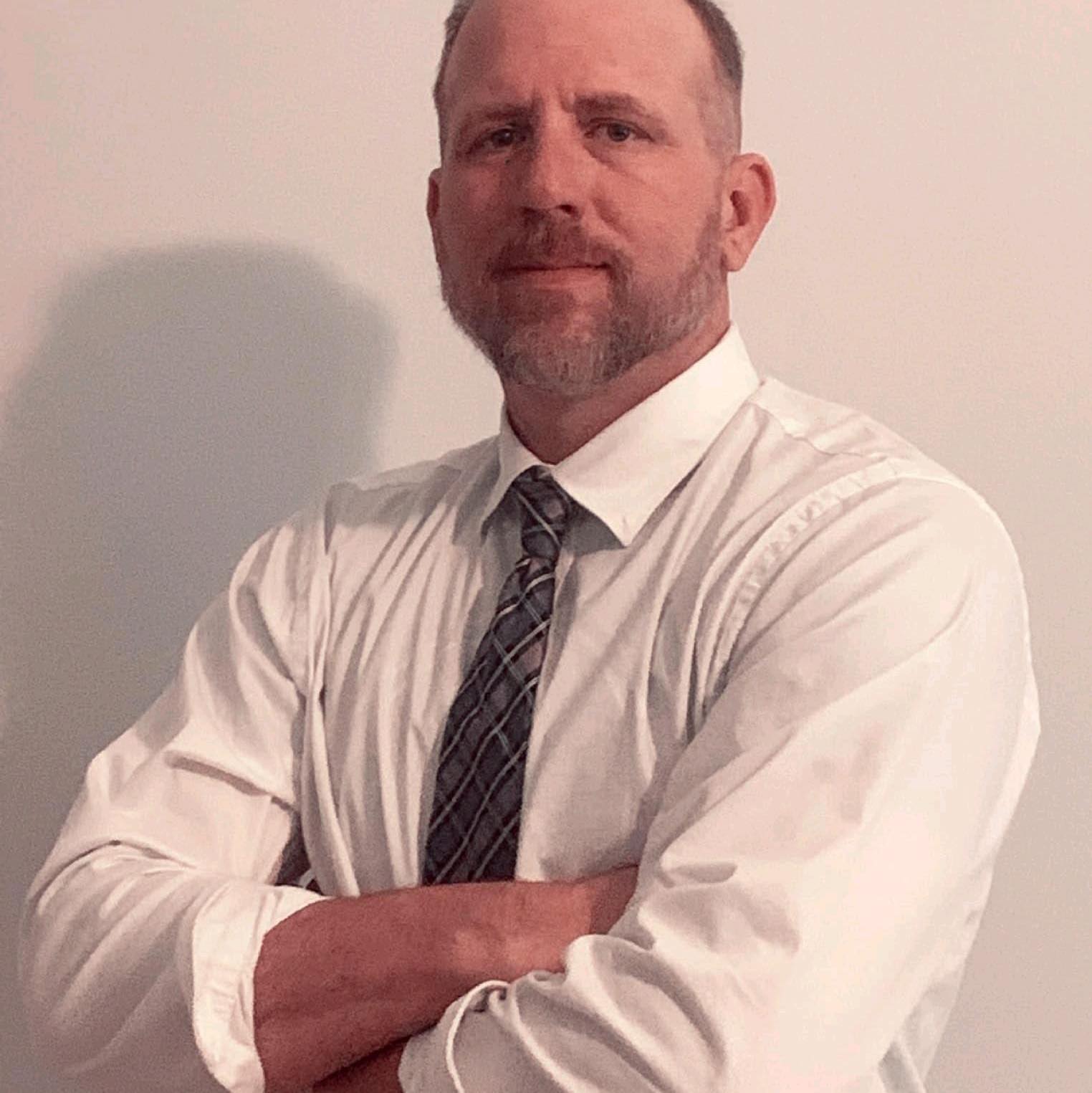
Robert Bush
Founder & Cyber Safety Educator